Accounts & Console
Using the in-app console
Send chat and commands directly to your bot.
Every bot has a built-in console showing the last chat messages it has seen. Before it connects for the first time, or if it hasn't seen any chat yet, you'll just see an empty state here, that's normal.
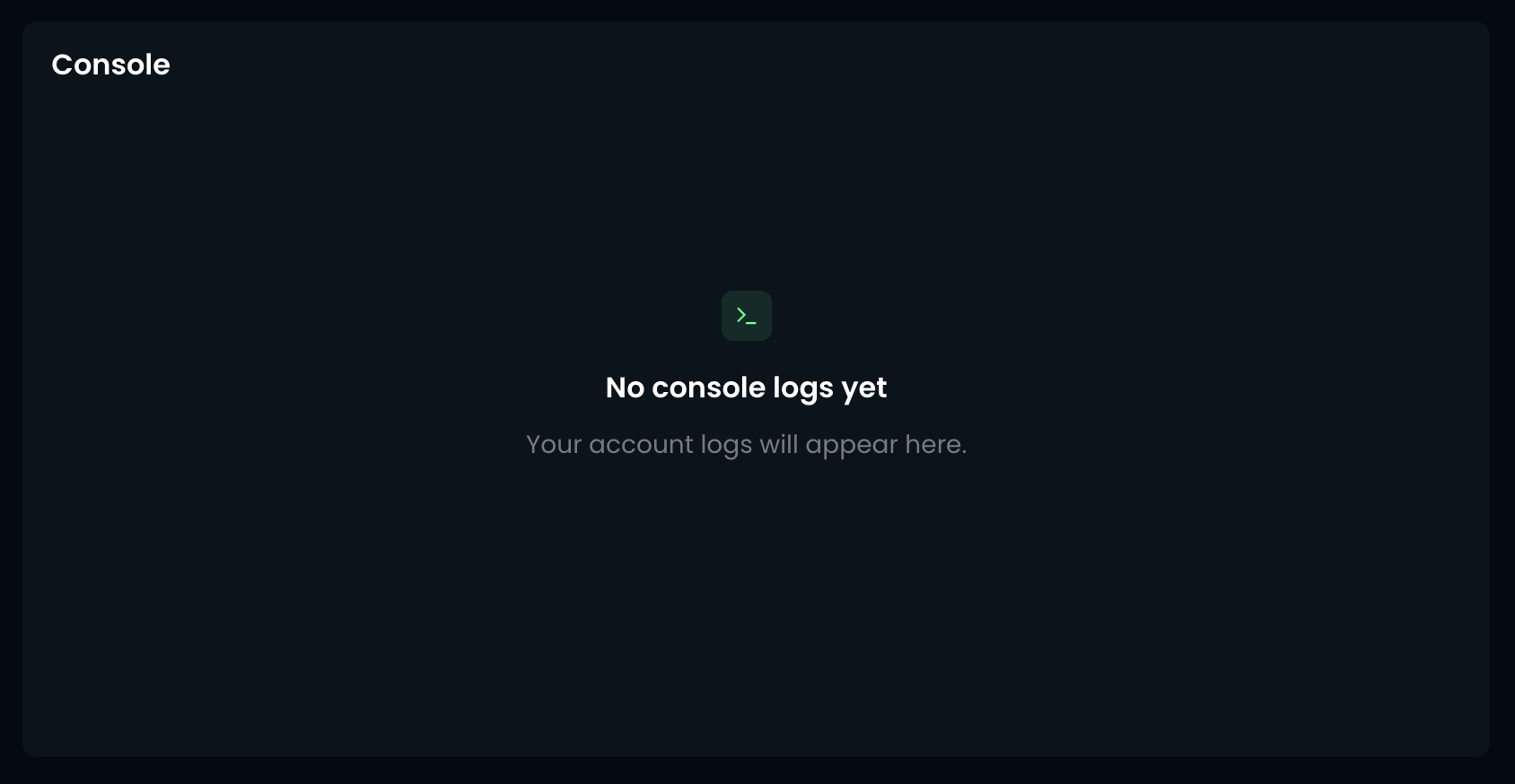
Once your bot is online and connected to a server, chat messages start appearing here in real time. Type into the input box and press Enter to send a chat message or command through the bot, exactly as if you'd typed it in-game.
What gets logged
The console keeps the last 10 lines of chat the bot has seen, including messages from other players and server broadcasts. Older lines drop off as new ones come in, so it's best used for keeping an eye on recent activity rather than as a full history.
